 CareCard
Understanding Your Role
What a Campus Admin can do in CareCard.
As a Campus Admin, you look after the campuses you're put in charge of — their programs, their terms, and the people in them. You get the role one campus at a time, so you can have it for more than one.
How Your Scope Works
CareCard has three institution-side reviewer roles. Each one sees a different part of the organization:
| Role | Can see |
|---|---|
| Institution Admin | The whole institution — every campus and program |
| Campus Admin (you) | Only the campuses you administer |
| Program Coordinator | Only the programs they coordinate |
You see all your campuses and everything in them. Institution Admins see your campuses too, plus the whole institution. The Program Coordinators under you see only their own program. You can't see campuses that aren't yours.
But seeing is not the same as doing. You can look at every program on your campuses, but each Program Coordinator still does their own program's work.
You can't give yourself this role. An Institution Admin — or another Campus Admin — invites you. The invitation shows up on your Home dashboard, and the role starts working only after you accept it.
What's on Your Side Menu
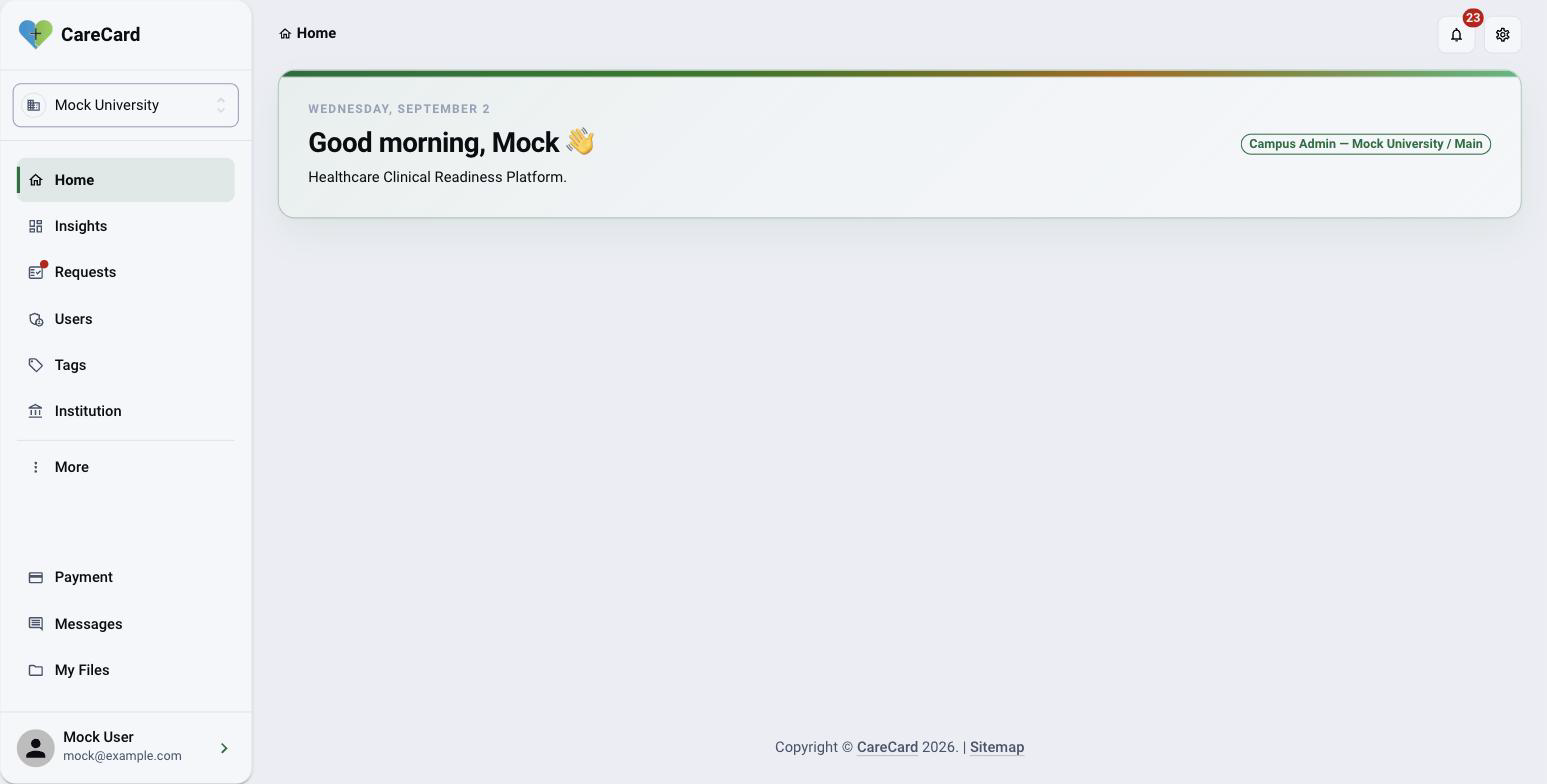
Your side menu shows Home, Insights, Requests, Users, Tags, and Institution. Messages and My Files sit at the bottom.
More opens the rest of your tools — Programs, Requirement Items, Templates, and Program Templates.
The Year and Term Selector
A year and term selector sits in the top bar. Requests, users, programs, and program templates all follow what you pick there.
What You Do
Keep your campus current
- Managing Your Campus — Add and edit programs on your campus, and add terms to them.
Put people in charge
- Adding Admins and Coordinators — Add Program Coordinators for any program on your campus, plus other Campus Admins.
Let people in
- Reviewing Institution Access Requests — Approve, reject, or ask for more info on requests. Institution Admins and Program Coordinators review these with you.
Keep track of everyone
- Tags and Tracking Progress — See and group everyone across your whole campus, not one program.
- Messaging — Message the people on your campus.
What You Can't Do
You can't decide on documents. Only CareCard staff can Approve, Reject, or Hold a submitted document. You won't see a Verification page.
You can't create a new campus or institution. CareCard staff set those up. You can still add and edit programs under your own campus — see Managing Your Campus.