 Care Card
Care Card Guide
Logging In
How to sign in to your CareCard account and what to do if you can't access it.
Sign in to CareCard to view your requirements, upload documents and track your submission status.
How to log in
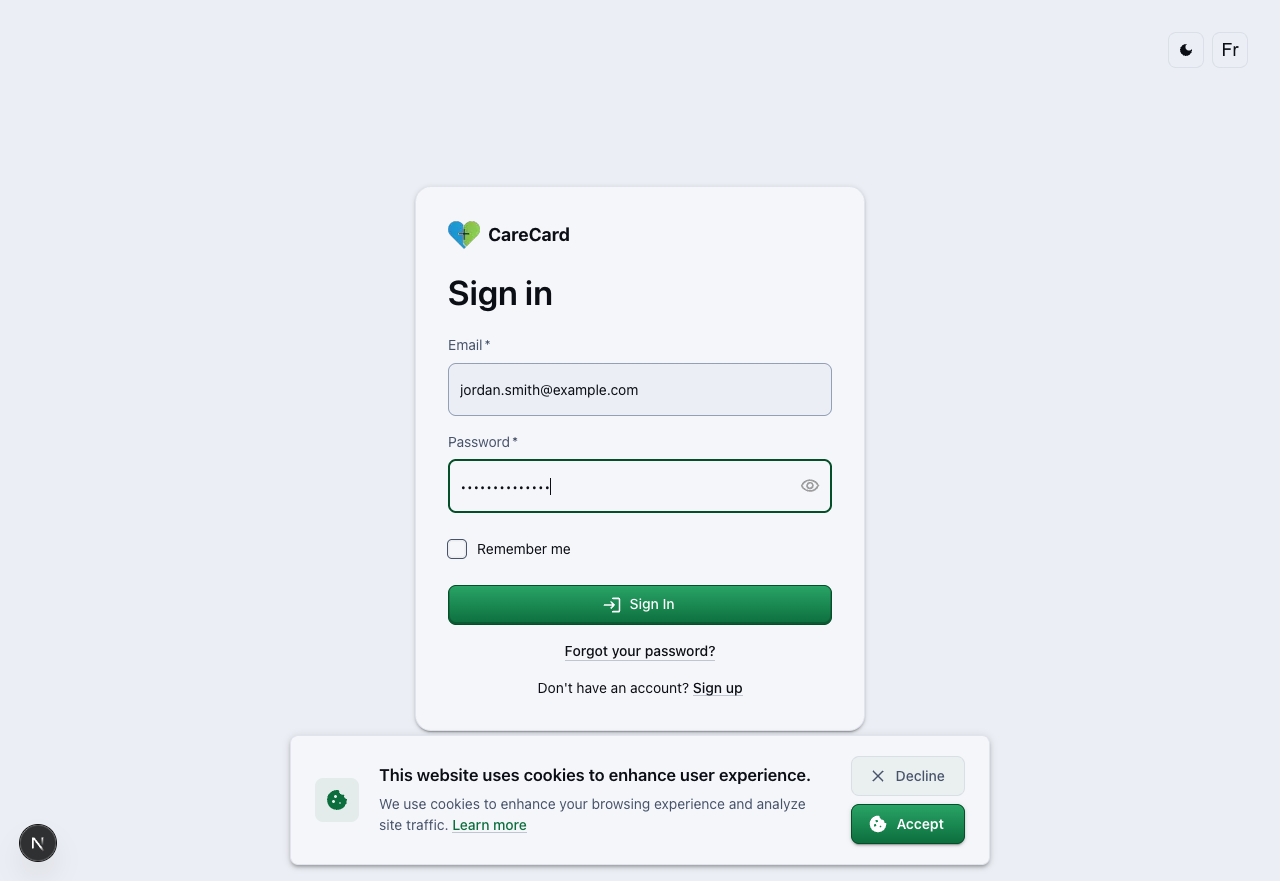
Go to the sign-in page and fill in the form:
- Email — the address you used to register
- Password — case-sensitive
- Check Remember me if you want to stay signed in longer on this device
- Select Sign In
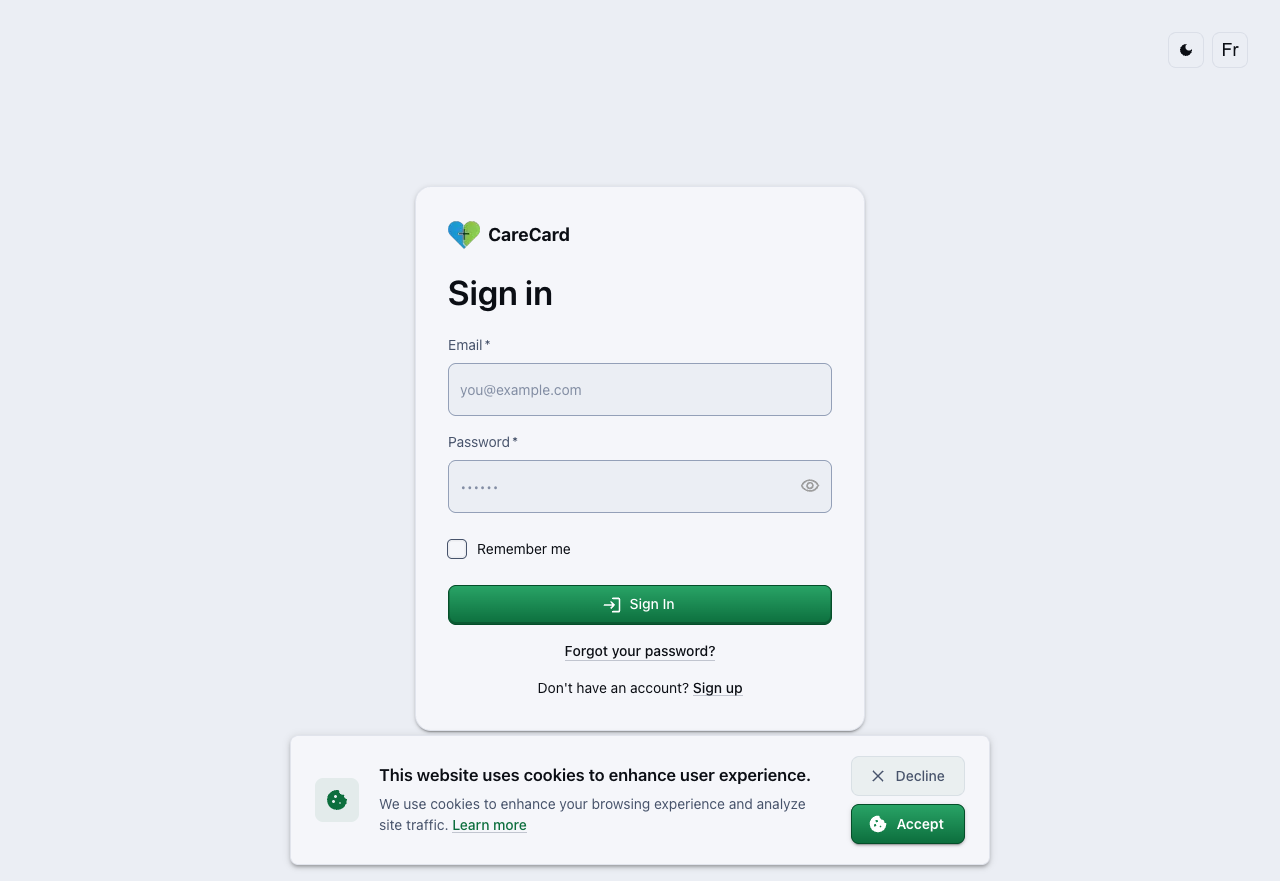
Fill in your details before submitting:
Once signed in, you land on your Dashboard home page, where every requirement and its current status is listed.
Forgot your password?
Select Forgot your password? below the Sign In button. In the Reset password dialog, enter your email, username, or phone number and select Continue — a reset link is sent to your inbox.
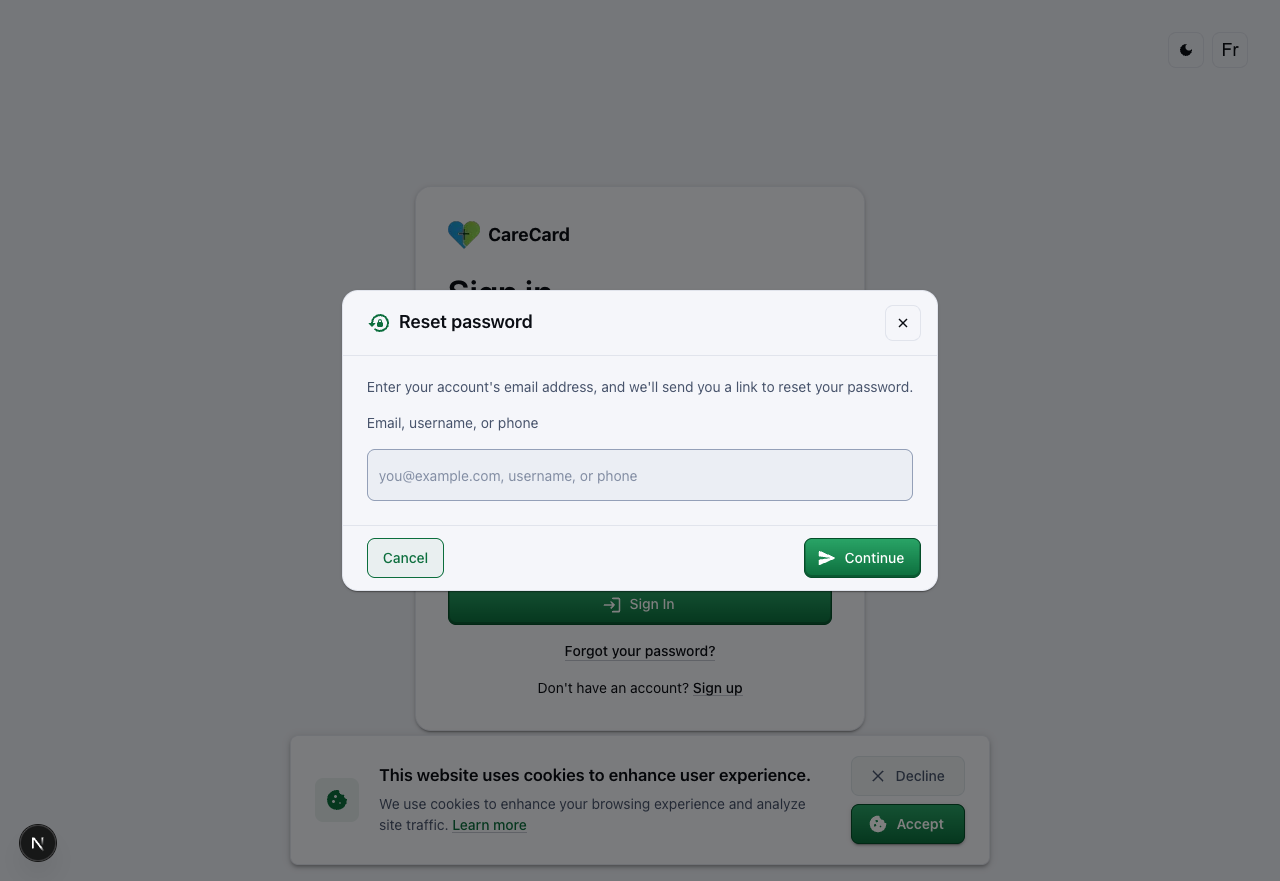
The link expires after a short time, so use it soon after it arrives.
If the reset email doesn't arrive within a few minutes, check your spam or junk folder before requesting another one.
Trouble signing in
- Wrong email or password — confirm you're using the address you registered with. Passwords are case-sensitive.
- Account not found — you may not have finished registering. See the Register page to create your account.
After you log in
- If you don't belong to an institution yet, see Requesting Institution Access to select yours and request access.
- Head to the Get Started guide to read the upload rules that apply to every document.
- Visit your profile any time you need to update your name, addresses, phone numbers, or email addresses.