 Care Card
Registering
How to create your CareCard account and get started with your requirements.
Create a CareCard account to begin preparing and submitting the documents you need before your clinical placement.
How to register
Go to the sign-up page and fill in the form:
- Full name — must match the name on your documents
- Email — used for sign-in and all verification messages
- Password — 8–24 characters, letters, numbers, and
!@#$%^&*_- - Check I agree to the terms and conditions, then select Sign Up
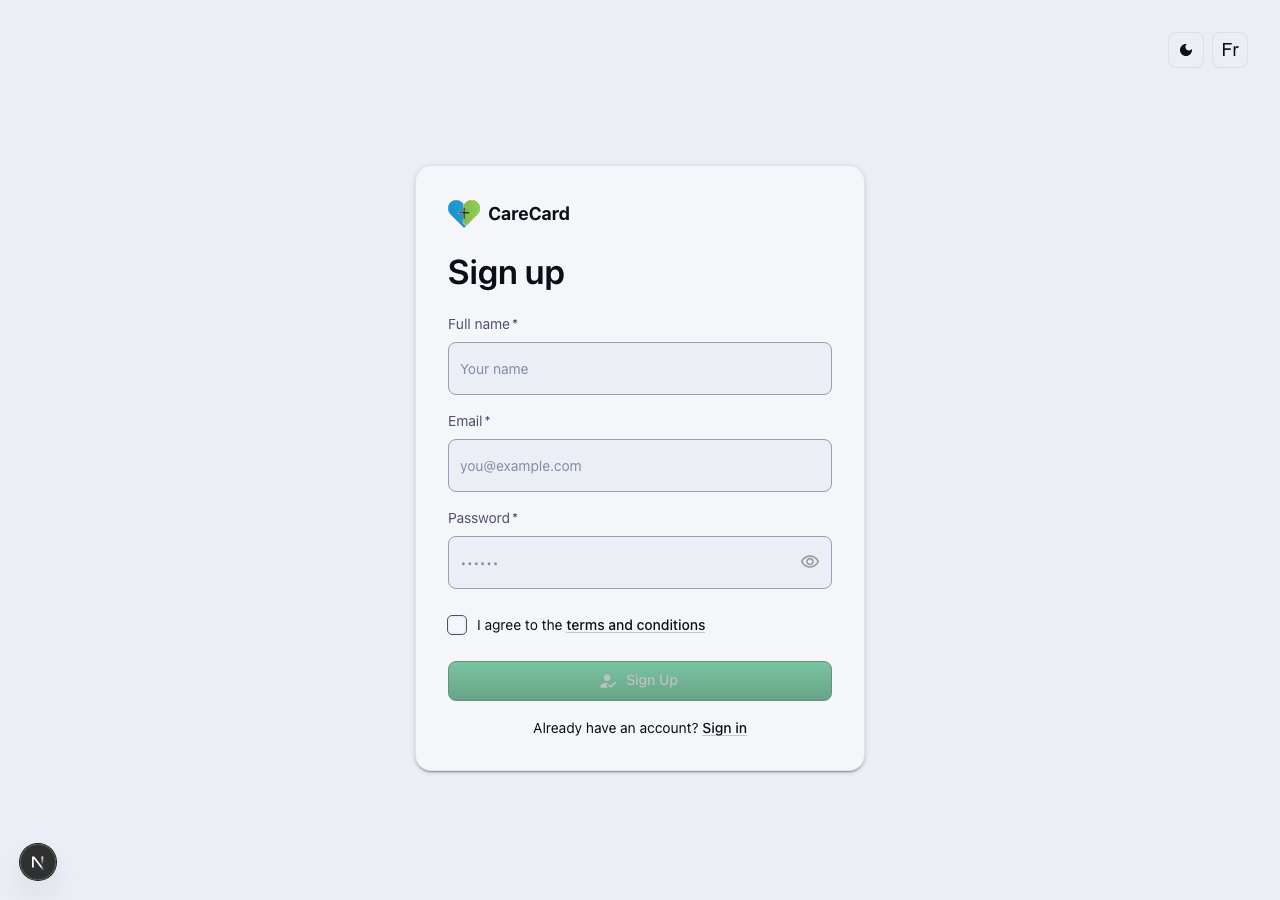
Fill in your details before submitting:
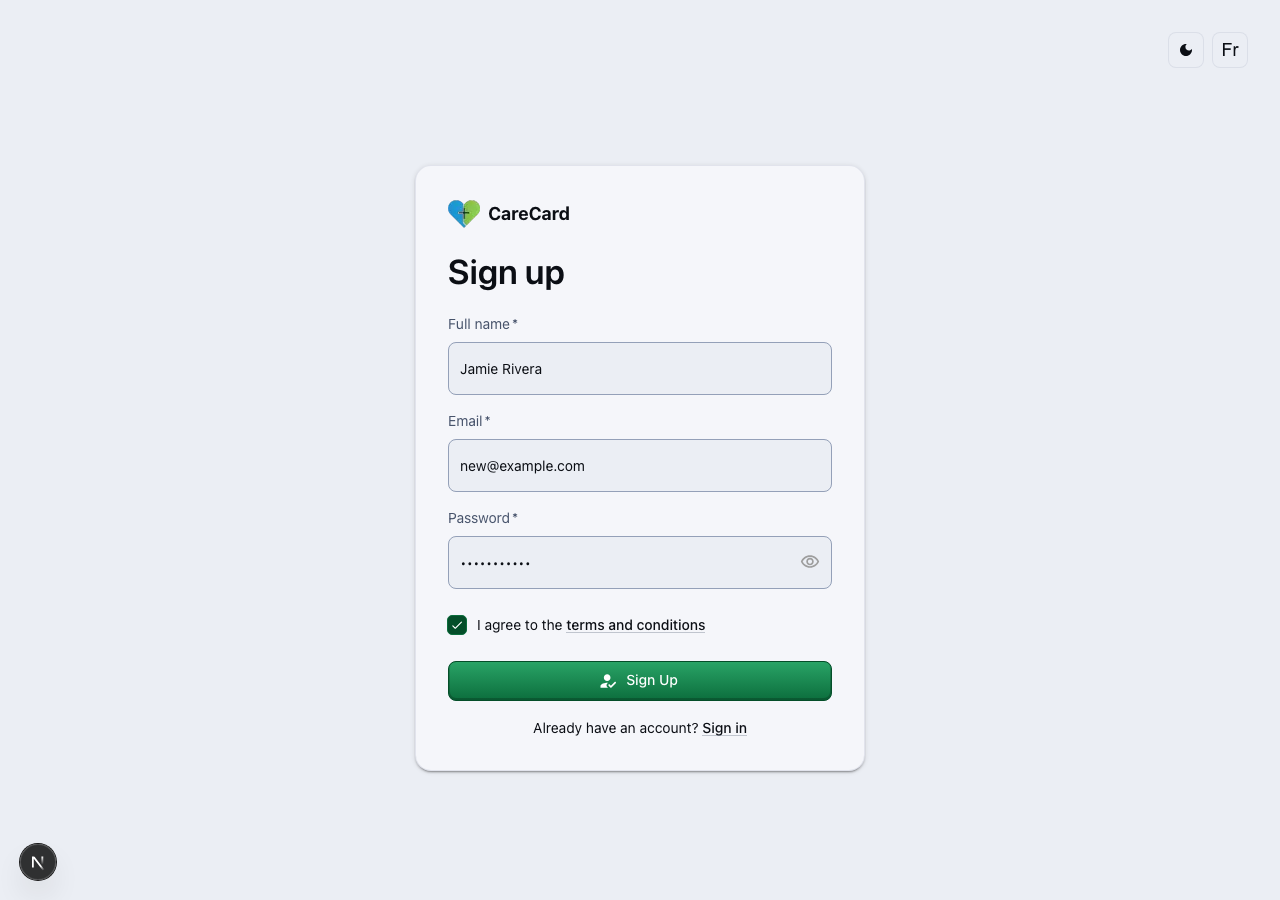
Once submitted, you're signed in automatically and redirected to the email verification page.
Use an email address you'll keep access to throughout your program — important updates about your submissions are sent there.
Verify your email
CareCard sends an eight-character verification code to the email address you registered with. Enter that code on the Verify your email page. After the code is accepted, the Email verified page shows your verified address with a green Verified badge.
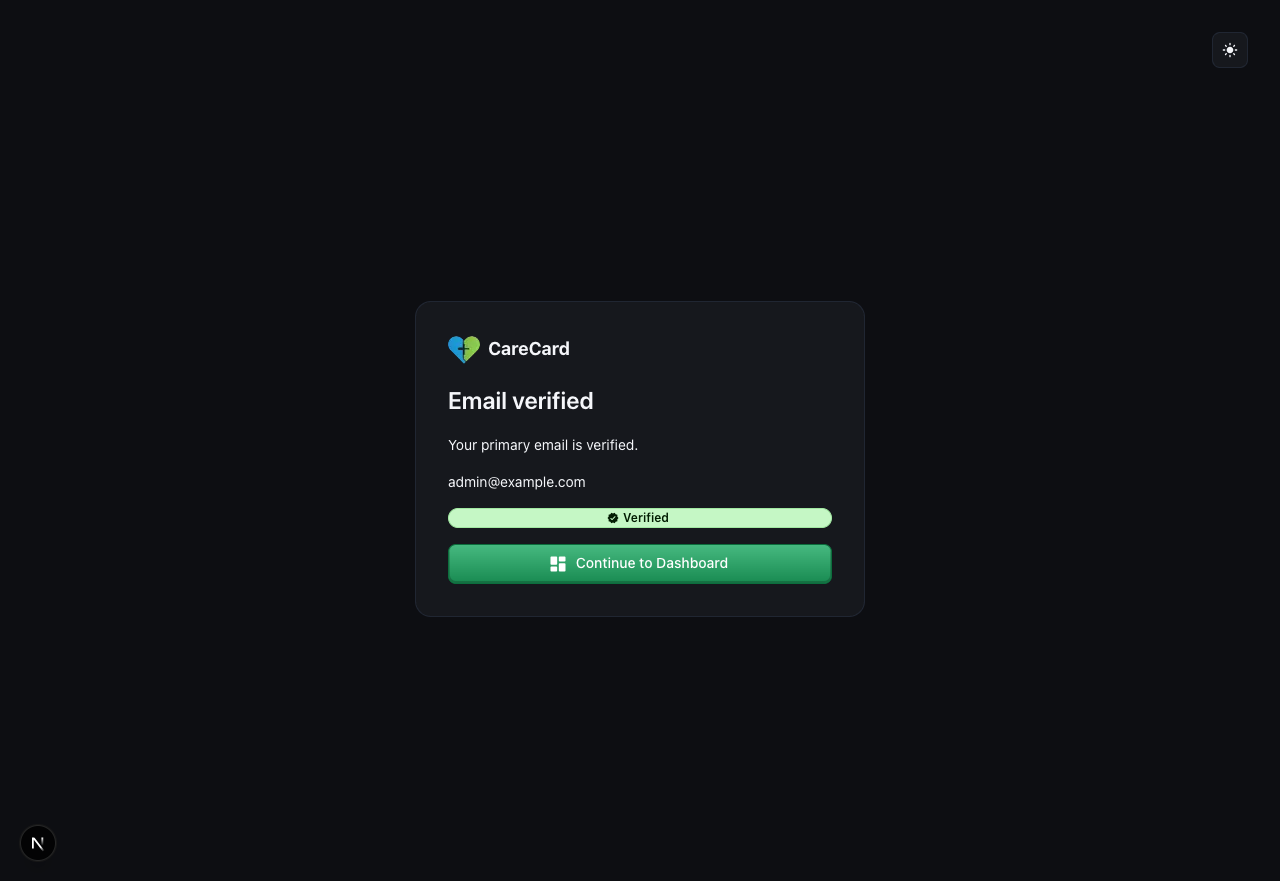
If the page instead shows Email verification pending, select Retry so CareCard can reload your current verification state.
A verified primary email is required before you can submit requirements, so verify it right after signing up.
After you register
- Head to the Get Started guide to read the upload rules that apply to every document.
- Return here any time you need to log in or update your profile.